Connecting Shopee, Lazada, TikTok Shop and Shopify to One Warehouse: Stock Sync Problems and Fixes
24 November 2026

A buyer orders on Shopee. The same unit sells on Lazada three minutes later. Your Shopify store still shows it as available. By the time you catch it, there are cancellations to process, chat complaints to answer and your Shopee cancellation rate is edging up in Seller Centre.
Multichannel inventory sync in Malaysia is meant to stop this, but the sync is only as reliable as the setup behind it. Many sellers run three or four channels from a single stock pool without ever testing whether the connections hold at speed.
This guide explains how stock sync works across channels and a shared warehouse, the specific causes of overselling and wrong stock counts, and how to fix each one. It ends with a setup checklist to run before any high-volume period.
How Multichannel Stock Sync Works With One Warehouse
Stock sync connects three layers, and each one has a different job. When sellers mix up which layer holds the "real" number, overselling follows.
| Layer | What it is | Its job in the sync |
|---|---|---|
| Sales channels | Shopee, Lazada, TikTok Shop, Shopify, EasyStore | Show stock to buyers and send orders out |
| OMS or inventory tool | Order management or multichannel tool (SiteGiant, BigSeller, Ginee or similar) | Pulls orders from every channel, deducts stock, pushes the new available number back to each channel |
| Warehouse WMS | The warehouse management system where stock is physically counted | Records what is actually on the shelf: received, picked, damaged, returned |
The channels connect to the OMS through marketplace APIs. Shopee gives approved partners access through the Shopee Open Platform, and Lazada, TikTok Shop and Shopify offer their own APIs for products, stock and orders.
The flow on a normal day looks like this:
- A buyer orders on one channel. The channel sends the order to the OMS.
- The OMS deducts the unit from the shared pool and pushes the new available number to every other channel.
- The warehouse picks and packs the order. The WMS records the unit leaving the shelf.
- The WMS and OMS reconcile. Physical stock and available stock should match, adjusted for orders not yet packed.
The rule that prevents most problems: the warehouse WMS is the source of truth for physical stock. The OMS calculates what each channel can sell, and the channels only display it. Nobody edits stock directly on a channel.

Why Stock Sync Breaks Down
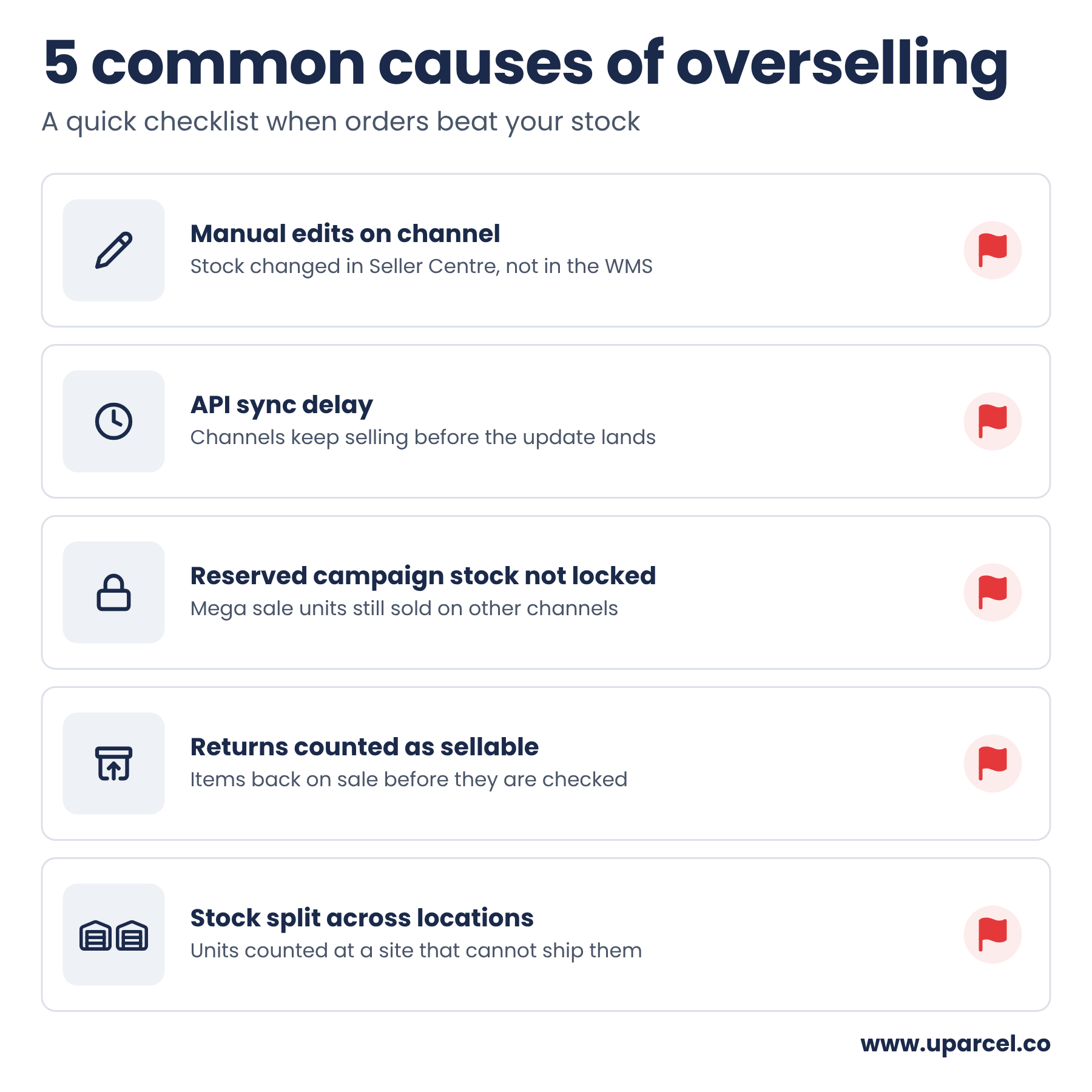
Most overselling problems in Malaysia come from one of five causes. Finding which one applies to your setup is the first step to fixing it.
01. Manual stock edits on individual channels
When a team member adjusts stock directly on Shopee or Lazada rather than in the OMS or WMS, the edit breaks the sync. The OMS does not know about the manual change, and the next time it pushes an update, it overwrites what was entered by hand.
This is the most common cause of sudden wrong stock numbers, especially when staff are under pressure during a sale period.
02. API sync delays under high order volume
Marketplace APIs do not update in real time. Shopee's standard sync for connected partners can take several minutes to reflect a confirmed order. Under high order volumes, a flash deal, a viral product, a payday sale, this window widens, and two or more channels can receive orders for the same units before the OMS has time to push the deduction.
Sellers running three or four channels without a buffer stock setting are most exposed to this.
03. Reserved campaign stock not locked in the OMS
Shopee and Lazada allow sellers to reserve a portion of stock for flash deals or platform campaigns. If that reserved quantity is not subtracted from the pool available to other channels in the OMS, it gets sold twice.
04. Returns and damaged stock counted as sellable
When returned or damaged units are logged in the WMS but not flagged as non-sellable, the OMS treats them as available. The stock count on every channel goes up, but the units cannot actually be shipped.
05. Multiple packing locations with no central count
Sellers who pack from more than one location, a home, a shoplot and a 3PL, for example often count stock across locations differently. Without a single WMS that consolidates the total, the OMS works from an inaccurate number from the start.
How to Fix Each Cause
01. Lock down direct channel edits
Remove stock-edit access from Shopee Seller Centre and Lazada Seller Center for anyone who is not the OMS administrator. Run all stock changes through the OMS only, and enforce it as a standing team rule: stock is never edited on a channel directly.
02. Set a buffer stock in the OMS
A buffer reserves a small number of units at the pool level that the OMS never makes available to channels. If your fastest-selling SKU typically sells 10–15 units in an hour, a buffer of 5–10 units for that SKU closes the API sync delay window.
Most Malaysian OMS tools, SiteGiant, BigSeller and Ginee, have a buffer or safety stock setting per SKU. Set it and review it monthly against your actual order velocity.
03. Lock reserved campaign stock before a sale opens
Before any flash deal or platform campaign, check the reserved stock settings in both the channel (Shopee's flash deal setup or Lazada's campaign tools) and the OMS. The number reserved for the campaign should be subtracted from the total pool in the OMS before the campaign window opens. Test this with one SKU before applying it across all campaign items.
04. Classify returns and damaged goods in the WMS immediately
Create a separate bin or location in the WMS for returns awaiting inspection and damaged stock. Units in those locations should not count toward available stock in the OMS. Set the OMS to exclude these bins from its available quantity calculation, and inspect and reclassify returns within 24–48 hours of receipt.
05. Centralise all stock into one WMS
If you pack from more than one location, the only way to prevent stock count mismatches is to centralise. Either move all stock to one location or use a WMS that tracks multiple locations and feeds a single available quantity to the OMS.
Sellers who keep growing typically reach a point where home or shoplot packing creates more sync problems than it solves. Moving stock to a fulfilment centre that provides a WMS already integrated with the major Malaysian OMS tools removes the multi-location problem entirely.
Setting Up Your Sync Before Any High-Volume Period
A sync that works on a normal day can fail under ten times the order volume. These checks should run at least a week before any major campaign, flash deal series or payday sale.
OMS and channel connections
- All channel API connections are authorised and within their token expiry date
- The OMS is pulling test orders from each channel correctly
- Buffer stock is set for each SKU with meaningful volume in the upcoming period
WMS and OMS reconciliation
- Run a full WMS-to-OMS stock comparison. Any SKU with a discrepancy above your threshold gets investigated before the sale opens
- Returns and damaged stock bins are excluded from the available count
- Receiving team is briefed: no new stock counts as available until confirmed in the WMS
Campaign stock
- Flash deal and platform campaign reserved quantities are locked in the OMS before the campaign goes live
- No team member has direct stock edit access on any sales channel
- One person owns the sync check on the day a high-volume period opens
When a Fulfilment Partner Solves the Sync Problem
For many growing sellers, overselling is not a configuration problem, it is an infrastructure problem. Packing from home or a shoplot, running your own WMS spreadsheet and managing multiple channels manually creates sync gaps that settings alone cannot close.
A fulfilment centre that integrates directly with the major Malaysian OMS tools provides a centralised WMS as part of the service. Stock received at the warehouse is logged immediately into the system. The OMS reads from that live count, and every channel reflects it. Returns are inspected, classified and either restocked or quarantined, keeping the available count accurate without manual intervention.
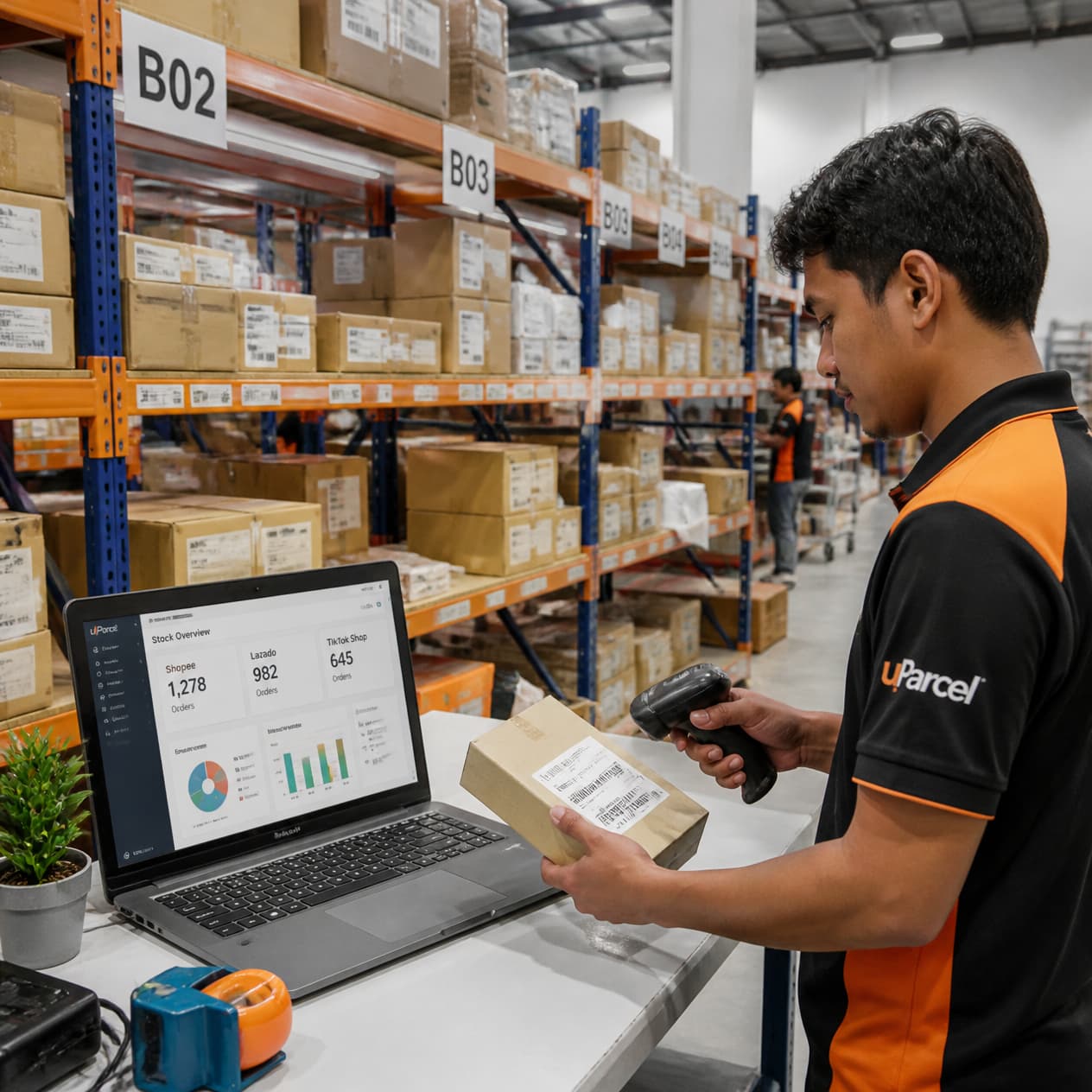
uParcel Malaysia operates a fulfilment warehouse in Selangor, integrated with the OMS tools Malaysian marketplace sellers already use. Sellers in the Klang Valley can pair fulfilment with same-day delivery to their buyers. See how the ecommerce warehouse fulfilment service works, or ask the team about connecting your current channels.
Run the Setup Right, Then Scale
Multichannel inventory sync in Malaysia works when each layer does its job and nothing bypasses the chain. The WMS holds the real count. The OMS does the maths and pushes numbers to channels. The channels only display what the OMS tells them.
Each overselling problem traces back to one of five points where that chain breaks: a manual edit, a sync delay, an unlocked campaign reserve, a return counted as sellable, or stock split across locations. Fix the right point and the problem stops recurring.
If your current setup still needs manual checks before every sale period, the infrastructure may be the bottleneck, not just the settings. The ecommerce warehouse fulfilment page covers how a Selangor-based warehouse handles stock, sync and dispatch for Malaysian marketplace sellers.
 This is a Ecommerce Fulfilment Posts. Click to read more posts like this.